
Brand Mark and Artwork Status Record
A brand mark and artwork status record identifies the asset under review, records its known version and context, and separates documented details from unresolved questions.

Its practical use is narrow: it helps a retail or brand team decide whether the available artwork information supports the next review step. It does not replace current source files, approval history, usage documentation, production specifications, installation review, or confirmation from the responsible party.
What the Record Should Confirm
A useful record gives each artwork reference an identity and a traceable context. Depending on the review, it may include:
- Record or asset identifier
- Artwork title or working name
- Brand mark name or description
- Version, variant, or revision indicator
- Creator, designer, brand team, or other responsible party
- Source filename and storage reference
- Preview or reference image
- Date received, created, revised, or reviewed
- Physical or digital format
- Intended display context
- Related campaign, product, artwork, or fixture
- Transfer or custody history
- Recorded changes or interventions
- Current status and usage-status fields
- Open questions and the person or team assigned to confirm them
These fields describe a review structure. They do not establish that a particular record is complete, current, authorized, or suitable for production.
The strongest entries point to identifiable material, such as a named source file, dated revision record, approval reference, or responsible-party handoff. An inherited filename, isolated preview, or old metadata entry may add context without settling the current status.
Confirmed Details, Visible Indications, and Inferences
Use “confirmed” narrowly. A detail is documented when the record identifies its source, date, scope, and relationship to the artwork under review.
For example, a record may identify a supplied file as version 04 and name the person who provided it. That documents the file’s identity within the record. It does not, by itself, confirm that version 04 is the latest version or that it may be used in the proposed setting.
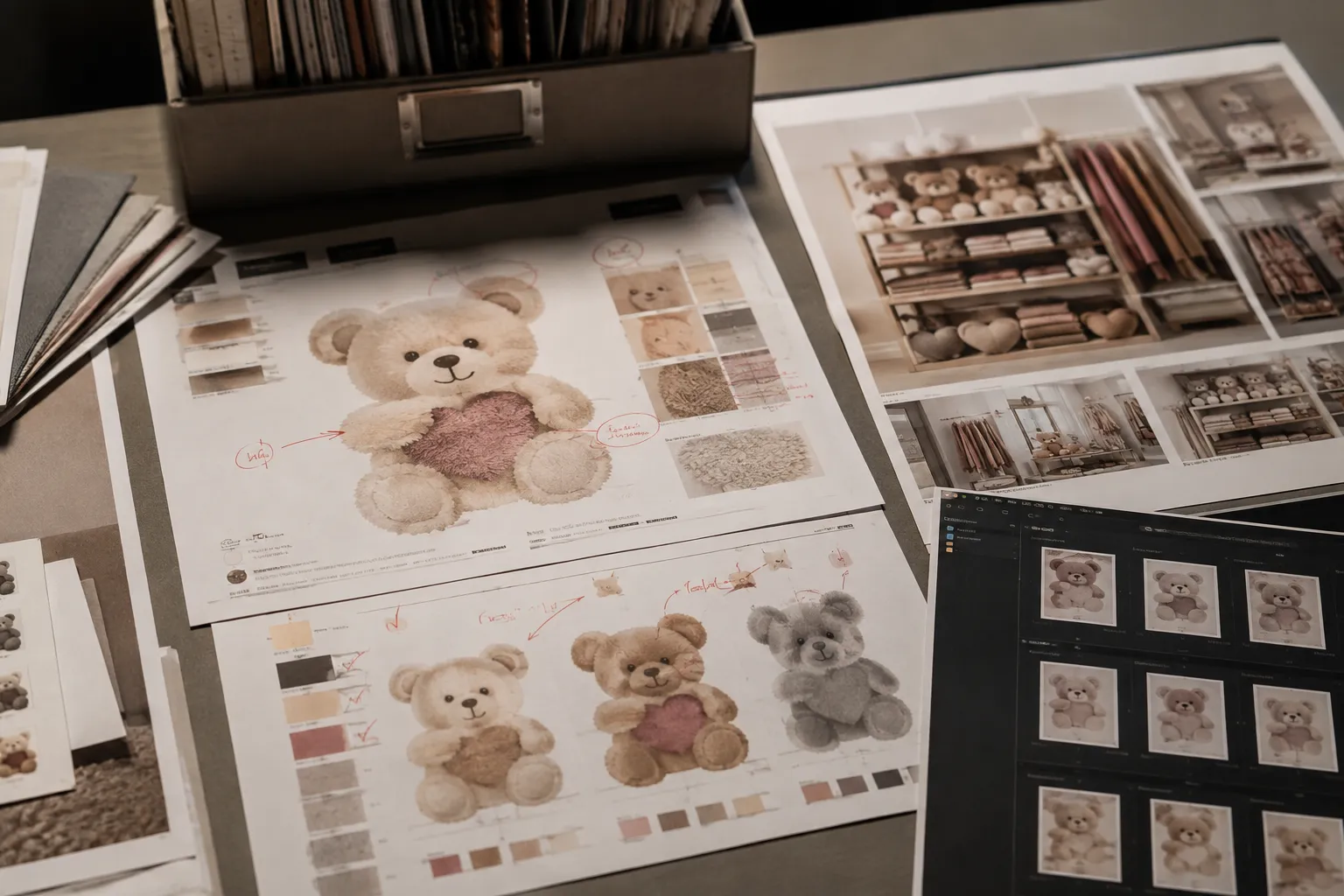
A preview provides a visible indication. It may show a particular crop, layout, colour treatment, or placement. It does not necessarily establish the underlying colour values, dimensions, file construction, material specification, or current status.
An inference fills a gap with an interpretation. A filename such as final_logo_new.ai may suggest intent, but the name alone does not establish revision history. Mark that item as unconfirmed and identify the record or person needed to resolve it.
What an Artwork Status Record Does Not Confirm
A status record can organize evidence without resolving every rights, production, installation, or site question. Unless current supporting documentation is present, it does not by itself confirm:
- That the artwork is the latest version
- That a brand mark may be used in the proposed context
- That usage rights or permissions have been established
- That a preview matches the supplied source file
- That the artwork suits a particular print, cut, projection, screen, or sign process
- That dimensions, colour, resolution, bleed, or attachment details are correct
- That a fixture, wall, window, or other display surface can accept the proposed treatment
- That installation conditions have been reviewed
- That accessibility, fire-safety, electrical, structural, or site requirements have been addressed
- That the concept is ready for production or installation
Record these as separate confirmation items. Assign each one to the relevant brand, rights, design, production, installation, or qualified review party.
How to Review a Brand Mark Status Record
- Start with asset identity.
Check whether the record points to an identifiable artwork file or physical reference rather than only a thumbnail or descriptive phrase.
- Compare the listed version with the supplied file.
Record the filename, revision indicator, date, and visible differences. Compare the mark, proportions, wording, colour treatment, background, and intended placement against the current brief. Similar-looking files are not automatically interchangeable.
- Review responsibility and handoff.
Identify who supplied, changed, reviewed, or is expected to confirm the artwork. If that field is empty, assign the question before the concept advances.
- Separate artwork status from display feasibility.
A mark may be identifiable while its physical application remains unconfirmed. From the shopper approach, note what the artwork reveals, frames, or obscures. From the production view, record what still depends on dimensions, materials, equipment, attachment, replenishment access, or site conditions.
How to Record Artwork Provenance
For this review, provenance means the documented history and context of the artwork record. It may include where the file came from, who transferred it, which version preceded it, what changed, and which related resources help explain its use.
A concise provenance note could read:
File received from the brand team on the recorded date. Version identifier is present. Earlier source file is listed but not attached. Current usage status and production specification remain unconfirmed.
This wording preserves what the record shows without turning an incomplete history into a settled conclusion. When a change occurs, record the event separately from the asset: note what changed, when it changed, who supplied or made the change, and which file or preview reflects it.
Metadata and provenance research supports this separation between identity, history, and uncertainty. It can help structure a record, but it does not verify a specific brand-mark status or replace current primary documentation.
A Brief-Ready Status Note
A status note should let another person understand the decision boundary quickly:
Review status: Artwork identity is documented by the supplied filename and preview. The visible layout can be assessed at concept stage. Current brand-mark version, usage status, approval record, source-file completeness, and site production requirements require confirmation before production or installation decisions.
Shorten the note when the documentation is stronger, or identify each separate gap when several variants are circulating. The wording should describe the evidence available, not imply more certainty than the record supports.
Common Misunderstandings
Does “final” in a filename confirm the final artwork?
No. It is a filename label, not independent confirmation of revision history or current status.
Does a clear preview confirm production suitability?
No. A preview can show the intended visual treatment while leaving file preparation, dimensions, materials, attachment, and site conditions unresolved.
Does an artwork status record establish usage permission?
No. It can record a usage-status field or identify the party responsible for confirmation. It does not settle rights or permission questions without appropriate current documentation.
Does an old approval record confirm the current version?
Not necessarily. Compare the approved reference with the current source file, variant, campaign, placement, and revision history.
Final Review Point
Before a retail display moves from concept review toward production or installation, the record should make four points easy to see:
- Which brand mark or artwork is under review
- Which file, version, or variant supports the review
- What the available documentation actually confirms
- Which unresolved items require responsible-party or qualified review
That is the working value of a brand mark artwork status record. It turns an attractive reference into a traceable review note while keeping visible evidence, inference, and unresolved confirmation separate. Put the missing version, usage, source-file, and site questions into the production handoff.